
Buddy for Windows
Reminders that walk onto your screen.
Buddy is a tiny character that strolls across your desktop when it's time to drink water, join a meeting or send that report, then waits for your answer. Hard to ignore. Easy to like.
Download for WindowsWindows 10 and 11 · installs in seconds · updates itself
Hey AJ,
did you drink water?
Three steps. No learning curve.
Buddy lives in your system tray and stays out of the way until it's needed.
Install it
One small installer. No account, no sign-up.
Say what to remind you about
Water every 45 minutes, a report every weekday at 4:30, a visa renewal on a date, or connect your calendar.
Answer when it walks out
Tap Yes, done and it celebrates. Tap Remind me later and it comes back after your snooze.
Pick who walks out.
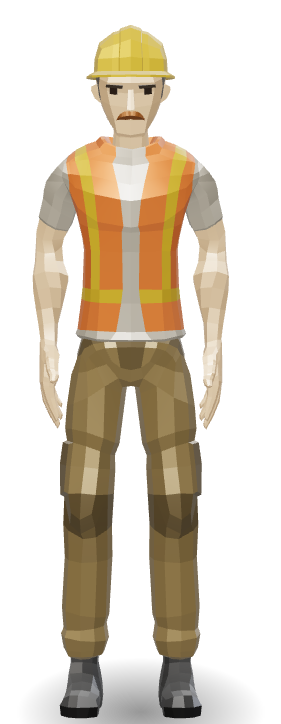
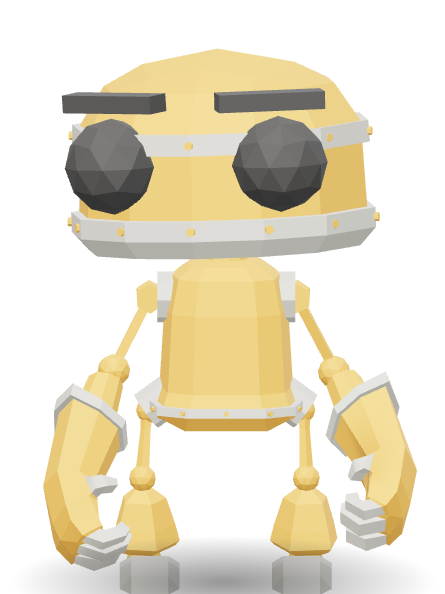
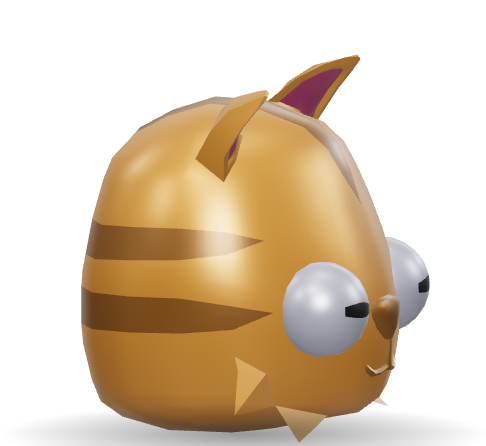
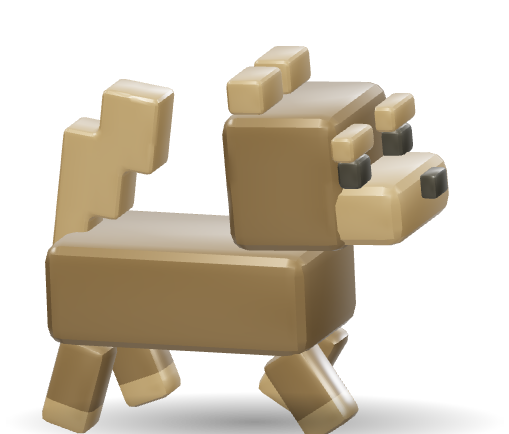
Five characters to start. Use one, take turns, go random, or give each reminder its own. The water reminder can be the dog. The site reminder can be the worker.

Made for a real working day.
The things that make a reminder app actually useful, and not another thing to ignore.
Meeting reminders
Paste your Outlook or Google Calendar link and Buddy walks out shortly before each meeting. Recurring meetings and other time zones just work.
Real schedules
Every few minutes within working hours, once a day, on one specific date, or weekdays only. Edit any of them later.
Knows when to wait
Holds reminders during fullscreen apps, presentations and calls, and during your quiet hours. It never steals your typing focus.
Make it yours
Choose its size, where it stops, how long it waits, and whether it chimes.
Stays on your PC
Your reminders live on your computer. A calendar link is only ever read, never changed or shared.
Updates itself
When there's a new version, Buddy tells you and installs it in one click.
Install in under a minute.
Windows 10 or 11. No admin rights needed.
- Download the installer and open it.
- If Windows says "Windows protected your PC", choose More info, then Run anyway. This appears for any new app that Microsoft hasn't seen many times yet.
- Buddy appears in the tray (the ^ by the clock). Open it to add your first reminder.
Is my calendar safe?
Buddy only reads the calendar link you give it, and keeps that link on your PC. It never writes to your calendar or sends it anywhere else.
Will it interrupt my presentation or a call?
No. Buddy waits while a fullscreen app or presentation is running or your microphone is in use, then tries again a few minutes later.
How do I stop it?
Use the tray icon: pause for an hour, or quit. Each reminder can also be switched off on its own.
Does it work on Mac or phone?
Not yet. Buddy is for Windows 10 and 11 for now.
Meet your Buddy.
Download it, add one reminder, and see who walks out.
Download for Windows